
Affordable Gaming Desk Setup Under $500

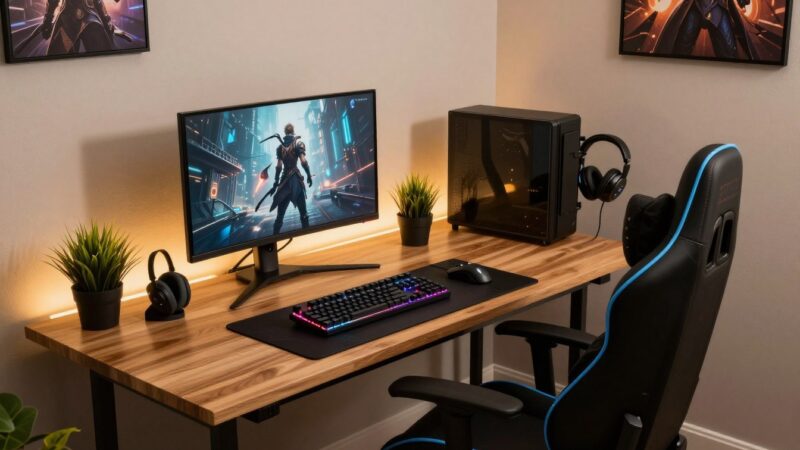
Building an impressive station for your favorite titles does not require a massive bank account or a professional design team. You can create an inviting space for play by selecting high-value items that will truly last. It is all about prioritizing performance where it counts the most for your specific home environment.
A solid budget gaming desk acts as the anchor for your entire system. This piece provides the stability and surface area needed for long sessions. Choosing the right one allows you to allocate more money toward your primary hardware components.
- Focus on essential items to keep costs low.
- Research various styles to maximize your space.
- Prioritize ergonomic comfort for better performance.
This guide offers advice on building a reliable station without financial stress. We will explore how to balance looks and utility for under the typical market price. Get ready to level up your hobby area for less than 500 dollars with these fresh setup ideas.
1. Planning Your Gaming Desk Setup Under $500
To set up a gaming desk on a budget of $500, you need to understand your space and gaming needs. This initial step is crucial as it dictates the kind of furniture and equipment you’ll require.
1.1 Understanding Your Space and Needs
Assess the area where you plan to set up your gaming desk. Measure the space to determine the maximum size of the desk and other furniture you can accommodate. Consider the type of gaming you’ll be doing most often. For instance, if you’re into PC gaming, you’ll need space for your computer, monitor, and other peripherals.
1.2 Creating a Priority List
Make a list of the essential components for your gaming setup. This could include a desk, chair, monitor, keyboard, mouse, and headset. Prioritize these items based on importance and budget.
| Component | Priority Level | Budget Allocation |
|---|---|---|
| Gaming Desk | High | $150 |
| Gaming Chair | High | $120 |
| Monitor | Medium | $100 |
| Keyboard & Mouse | Medium | $50 |
| Headset | Low | $30 |
1.3 New vs. Refurbished vs. Budget Brands
Deciding whether to buy new, refurbished, or budget brand products can significantly impact your budget. Refurbished or budget brands can offer substantial savings but may compromise on warranty or quality.
1.4 Budget Breakdown Strategy
Allocate your $500 budget wisely. A suggested breakdown could be: 30% for the desk and chair, 20% for the monitor, 15% for peripherals like keyboard and mouse, and the remaining for other accessories.
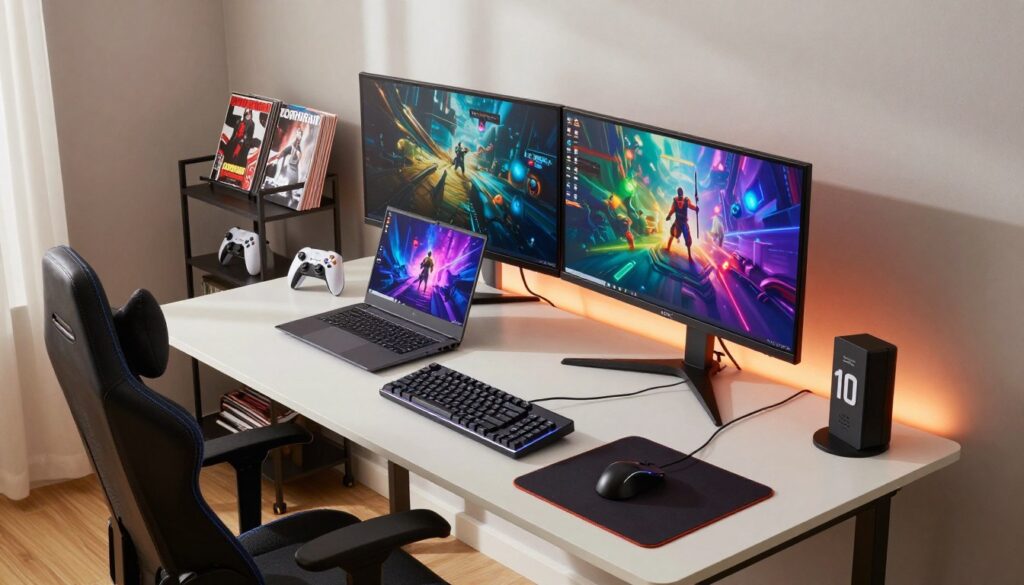
By following these planning steps, you can create an efficient and enjoyable gaming setup within your budget.
2. Best Budget Gaming Desks and Furniture Options
A great gaming experience doesn’t have to break the bank; here are some budget-friendly options for gaming desks and chairs. When setting up your gaming station, the desk and chair are crucial elements that can significantly impact your overall experience.
2.1 Top Desk Choices Under $150
Finding the right desk is essential for a comfortable gaming experience. Here are some top desk choices that won’t exceed your budget of $150.
2.1.1 IKEA LINNMON/ADILS Combination
The IKEA LINNMON/ADILS combination is a popular choice among gamers due to its affordability and customizability. This setup allows you to adjust the height and configuration to suit your needs, making it a versatile option for different gaming setups.
2.1.2 Bestier L-Shaped Gaming Desk with LED Lights
For those who prefer a more elaborate gaming desk, the Bestier L-Shaped Gaming Desk with LED Lights is an excellent choice. It offers ample space for multiple monitors and has built-in LED lights to enhance the gaming ambiance.
2.1.3 Mr IRONSTONE Gaming Desk 45 Inch
The Mr IRONSTONE Gaming Desk is another budget-friendly option that provides a compact yet functional gaming space. It’s ideal for smaller rooms or for those who prefer a more minimalist setup.
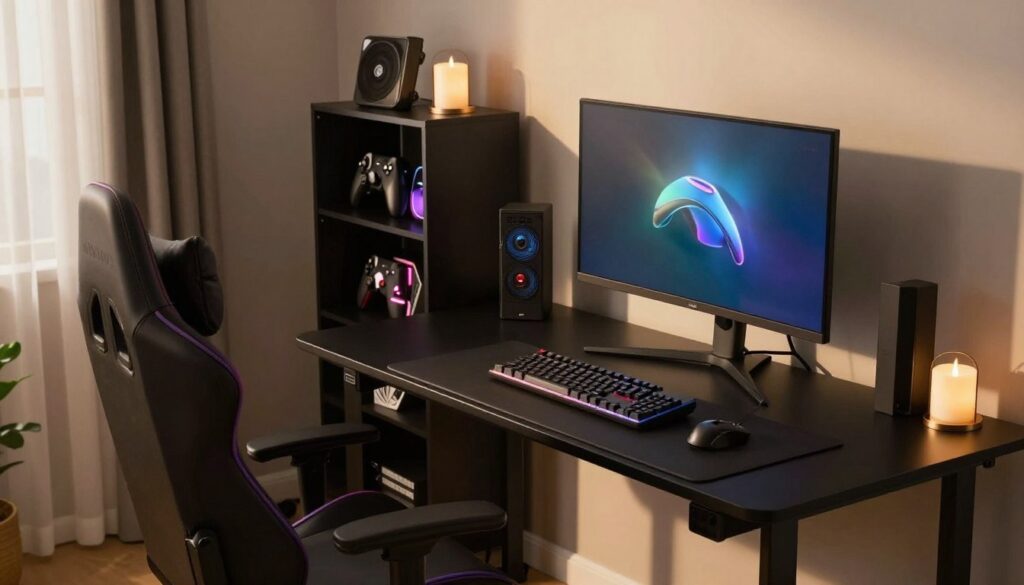
2.2 Affordable Gaming Chair Options Under $150
A good gaming chair is just as important as a good desk. Here are some affordable gaming chair options that are available for under $150.
2.2.1 Furmax Office Mesh Chair
The Furmax Office Mesh Chair is a great option for those looking for a budget-friendly gaming chair. It offers good lumbar support and is made of breathable mesh material, making it comfortable for long gaming sessions.
2.2.2 Homall Gaming Chair
The Homall Gaming Chair is designed with gamers in mind, featuring a sleek design and adjustable parts for maximum comfort. It’s a great choice for those who want a dedicated gaming chair without breaking the bank.
2.2.3 Budget Alternative: IKEA MARKUS
For those on an even tighter budget, the IKEA MARKUS chair is a viable alternative. While not specifically designed for gaming, it offers good support and comfort at a very affordable price.
2.3 DIY Desk Solutions to Save Money
For the crafty gamers, considering a DIY desk solution can be a cost-effective way to create a unique gaming setup. Using reclaimed wood or repurposing old furniture can not only save money but also add a personal touch to your gaming space.
By exploring these budget-friendly options, you can create a great gaming setup without exceeding your budget of $500.
3. Essential Gaming Peripherals and Accessories
To create an immersive gaming experience on a budget, focusing on essential peripherals is key. These components can significantly enhance your gaming sessions without breaking the bank.
3.1 Monitor Setup on a Budget
A good monitor is crucial for an engaging gaming experience. When on a budget, deciding between a single or dual monitor setup is essential.
3.1.1 Single vs. Dual Monitor Strategy
A single monitor is cost-effective and straightforward, ideal for those who primarily focus on one task at a time. On the other hand, a dual monitor setup can enhance multitasking and provide a wider field of view in supported games.
3.1.2 Budget Monitor Recommendations Under $120
For those on a tight budget, monitors under $120 can still offer great value. Here are some options:
| Monitor Model | Screen Size | Resolution | Price |
|---|---|---|---|
| AOC 24G1 | 24 inches | 1080p | $100 |
| ViewSonic VX2405 | 24 inches | 1080p | $90 |
| LG 22MP68VQ | 22 inches | 1080p | $80 |
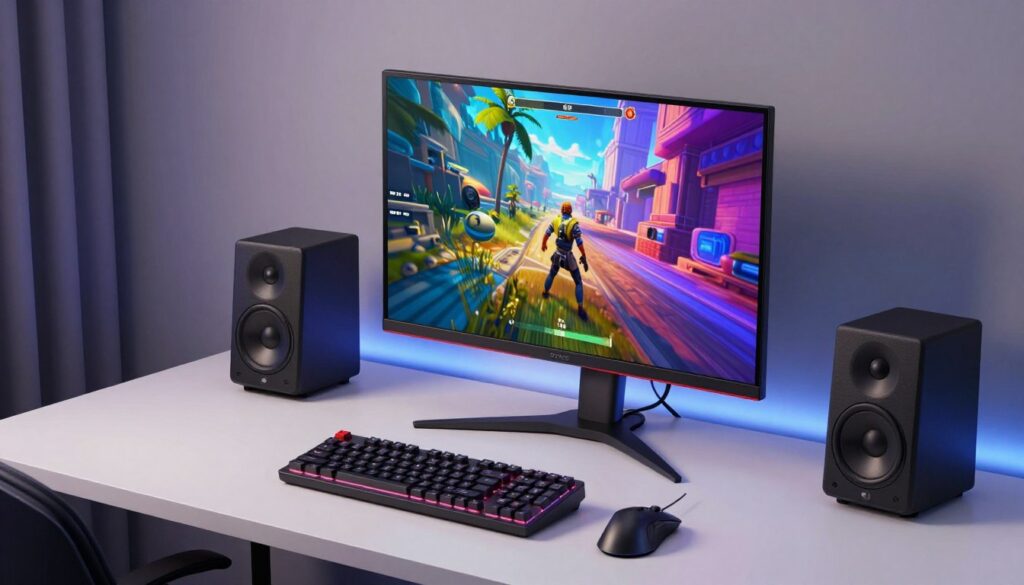
3.2 Keyboard and Mouse Combos Under $50
A good keyboard and mouse combo is vital for gaming performance. Here are some budget-friendly options.
3.2.1 Redragon S101 Gaming Bundle
The Redragon S101 offers a keyboard and mouse combo with customizable backlighting and decent performance for under $30.
3.2.2 Logitech MK270 Wireless Combo
The Logitech MK270 provides a reliable wireless keyboard and mouse combo, offering comfort and functionality for around $25.
3.3 Headset or Speaker Options Under $40
For audio, gamers can choose between headsets and speakers. Budget options under $40 can still deliver good quality.
3.4 Webcam Solutions for Streaming
For those interested in streaming, a good webcam is essential. There are several budget-friendly options available that can provide clear video quality.
4. Maximizing Your Setup with Smart Additions
Elevate your gaming experience with smart, budget-friendly additions that won’t break the bank. Enhancing your gaming setup doesn’t have to be expensive; there are numerous affordable ways to improve your gaming environment and overall experience.
Cable Management Essentials
Effective cable management is crucial for a clutter-free and efficient gaming setup. It not only improves the aesthetics of your gaming space but also reduces the risk of cable damage and makes it easier to upgrade your components in the future.
Under Desk Cable Trays
Under desk cable trays are a simple and effective solution for managing cables. They keep your cables organized and out of sight, improving the overall look of your gaming area. You can find affordable under desk cable trays for under $15.
Velcro Cable Ties and Clips
Velcro cable ties and clips are another essential tool for cable management. They are reusable, easy to use, and can be found at a very low cost, often under $5.
Lighting Solutions Under $25
Proper lighting can significantly enhance your gaming experience. It sets the mood and can improve visibility. There are several budget-friendly lighting solutions available.
LED Strip Lights by Govee
Govee’s LED strip lights are a popular choice among gamers. They are affordable, easy to install, and offer a range of colors and effects. You can find Govee LED strip lights for under $20.
Desk Lamps with USB Ports
Desk lamps with USB ports are not only useful for lighting but also provide a convenient way to charge your devices. They can be found for under $25, making them a practical addition to your gaming setup.
Desk Organization Tools
Desk organization tools help keep your gaming space tidy and improve your productivity. They come in various forms, from extended mouse pads to monitor stands.
Extended Mouse Pads and Desk Mats
Extended mouse pads and desk mats provide ample space for your mouse movements and can help protect your desk from spills and scratches. They are available at affordable prices, often under $10.
Monitor Stands and Laptop Risers
Monitor stands and laptop risers can improve your viewing angle and reduce strain on your neck. They are available in various designs and can be found for under $20.
Headset Hooks and Controller Holders
Headset hooks and controller holders keep your gaming peripherals organized and within reach. They are simple, affordable accessories that can be found for under $5.
Comfort Upgrades
Comfort is crucial during long gaming sessions. Upgrading your comfort can significantly enhance your gaming experience.
Lumbar Support Cushions
Lumbar support cushions can improve your posture and reduce back strain. They are available at affordable prices, often under $15.
Footrests Under $30
Footrests can help you maintain a comfortable position during gaming. They are available for under $30, making them a worthwhile investment for your gaming comfort.
Gaming on a Budget: Achieving the Perfect Setup
Creating a gaming desk setup under $500 is achievable with careful planning and smart choices. By understanding your space and needs, prioritizing your spending, and opting for budget-friendly options, you can enjoy a great gaming experience without breaking the bank.
A budget gaming desk is just the starting point. With affordable gaming chairs, DIY desk solutions, and budget peripherals like keyboard and mouse combos, headsets, and webcams, you can build a comprehensive gaming setup.
Maximizing your setup with smart additions like cable management essentials, lighting solutions, and desk organization tools can further enhance your gaming experience. By implementing these gaming setup ideas, you can create a functional and enjoyable gaming space that meets your needs.
Ultimately, a well-planned gaming desk setup under $500 can provide hours of entertainment and a great gaming experience, proving that you don’t have to spend a fortune to enjoy your favorite games.
FAQ
Can I really build a high-quality gaming desk setup for less than 0?
Absolutely! By prioritizing essential components like the IKEA LINNMON/ADILS desk and the Redragon S101 gaming bundle, you can create a functional and stylish station. The key is balancing your budget between performance-heavy items like a monitor and ergonomic furniture like a Furmax office chair.
What is the best budget-friendly desk for a small gaming space?
For tight spaces, the Mr IRONSTONE 45-inch gaming desk is a fantastic choice, offering a compact footprint without sacrificing stability. If you have a corner to fill, the Bestier L-Shaped Gaming Desk with built-in LED lights provides extra surface area and a great aesthetic for under 0.
Should I buy a specialized gaming chair or a standard office chair?
It depends on your comfort needs. While the Homall Gaming Chair offers that classic racing look, many gamers find that the IKEA MARKUS or a Furmax Office Mesh Chair provides better long-term ergonomic support. Both options fit perfectly within a 0 total setup budget.
How can I save money on gaming peripherals like keyboards and mice?
Look for high-value bundles. The Redragon S101 Gaming Bundle is a popular choice that includes a keyboard and mouse. If you prefer a cable-free look, the Logitech MK270 Wireless Combo is a reliable and affordable alternative for everyday gaming and productivity.
What are some affordable ways to improve the aesthetics of my gaming setup?
Lighting and organization make a massive difference. Adding Govee LED strip lights behind your monitor or desk creates an immersive glow for under . Additionally, using an extended mouse pad and under-desk cable trays will keep your space looking professional and clutter-free.
